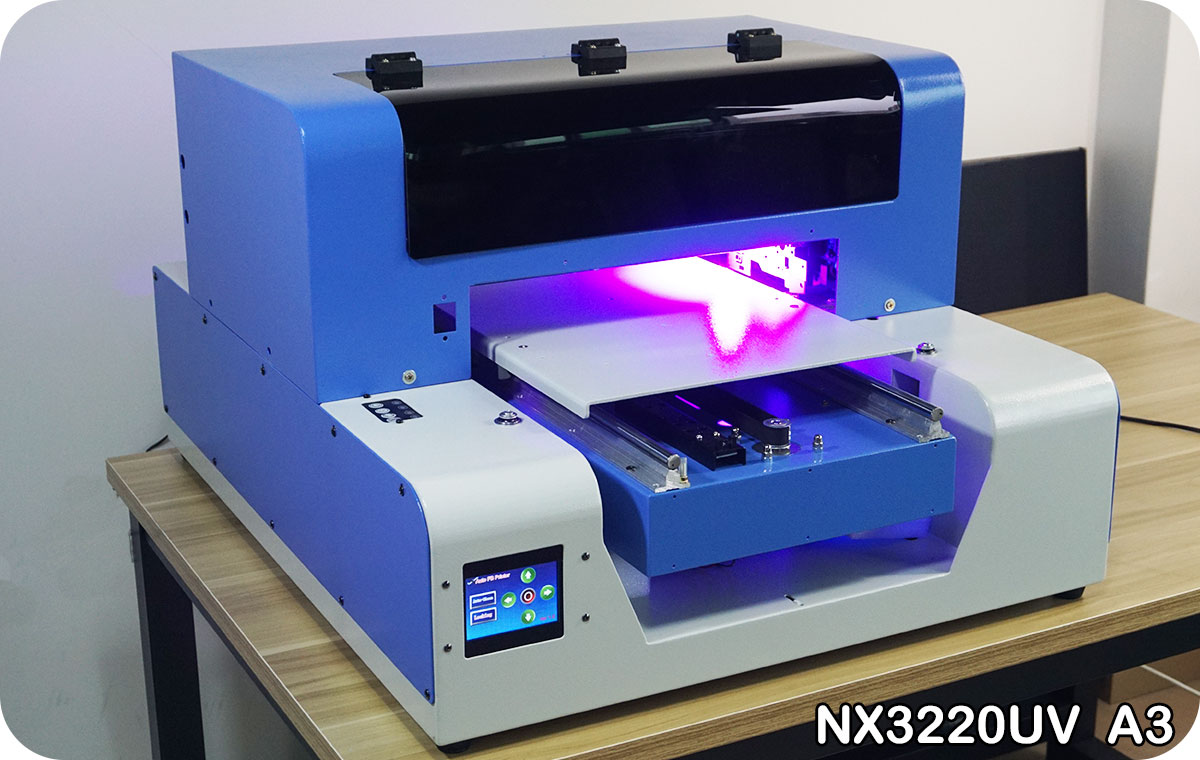
We are the manufacturer of A3 UV Printer in this market for 15 years and more. We have full experience of UV printer producing. We have own engineer and technician team and production workers.
The A3 size UV Printer support to print on almost all kind of material surface, like printing cell phone case, wood, plastic, golf ball, metal, leather, pen, USB flash drive and so on.
Please contact us and tell the country so we can calculate express shipping costs for you
We are going to show you this video which include the full function of our A3 UV Printing Machine like the sample printing process, operation.
All video in our website are made by us, so you will see the printer working and printing demo, it will be the same working you will have our A3 UV flatbed printer after you purchase it.
Also we will have step-by-step detail tutorials about our series UV printer
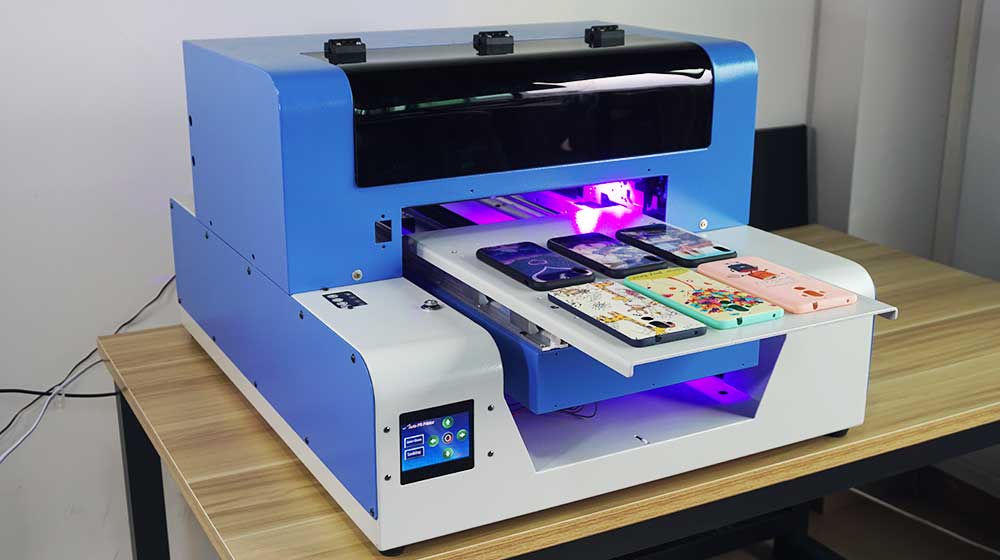
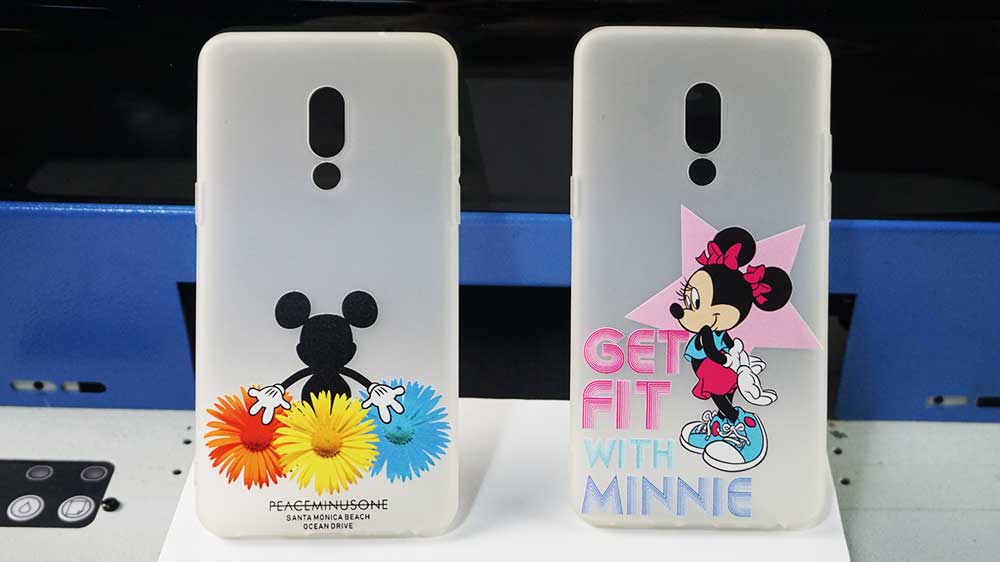
Your full-color image, photo, artwork, logo and anything you would like to print on, our printer can do it with one print process
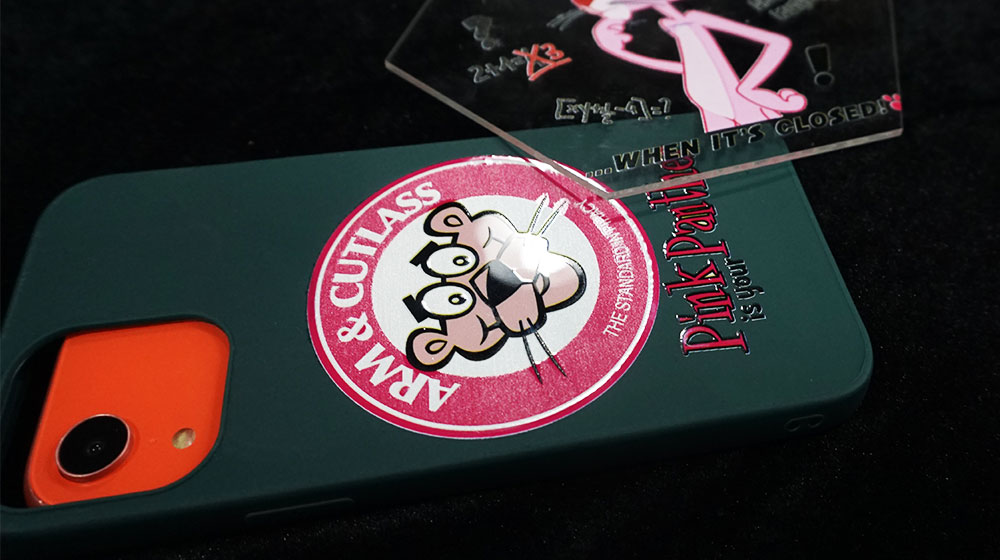
You may know the industrial version UV flatbed printer can support varnish printing, actually, our A3 UV desktop version printer can make it too.
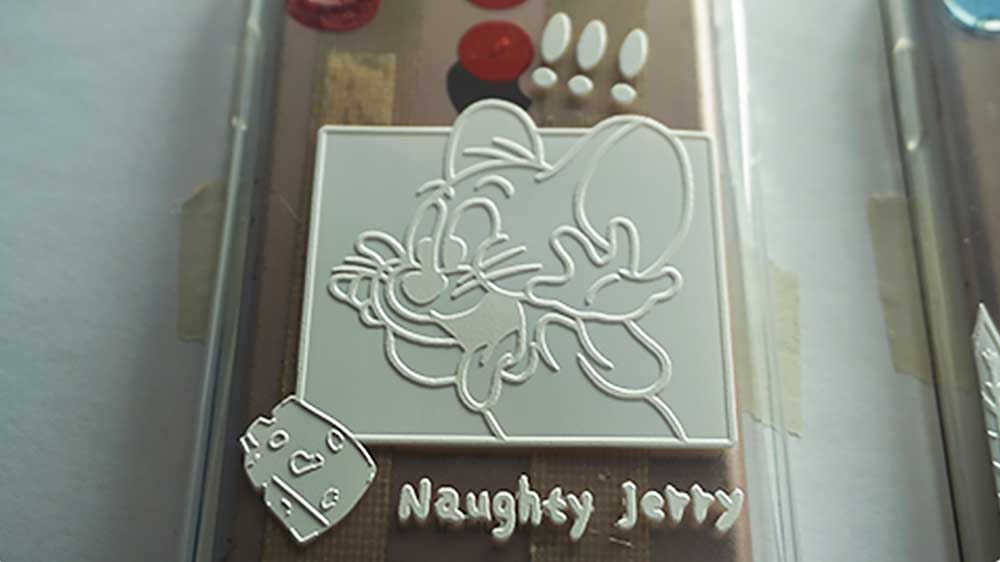
All of our UV series flatbed printers can do the embossed effect so of course, our A3 UV printer can support this effect printing.
We have been printing sample always. All the sample we show below are really printed by our NEIXO series UV flatbed printer, and the effect you can see will be what you are able to get after buying our A3 UV flatbed printer.
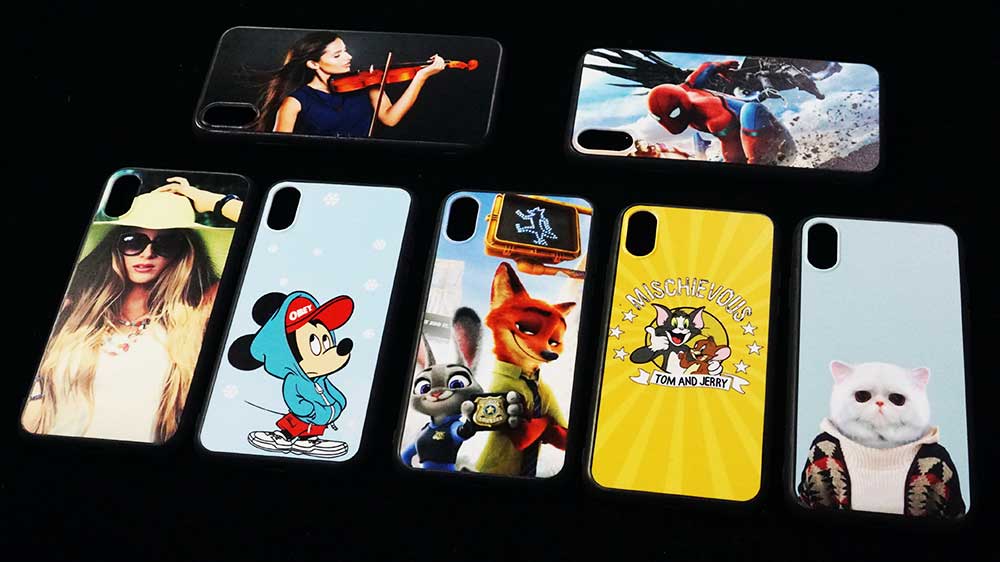
For cell phone case printer is the most popular application of our A3 UV Printer. You can have a lot of printing effect of our Phone Case Printer.
See Video: Phone Case Printer
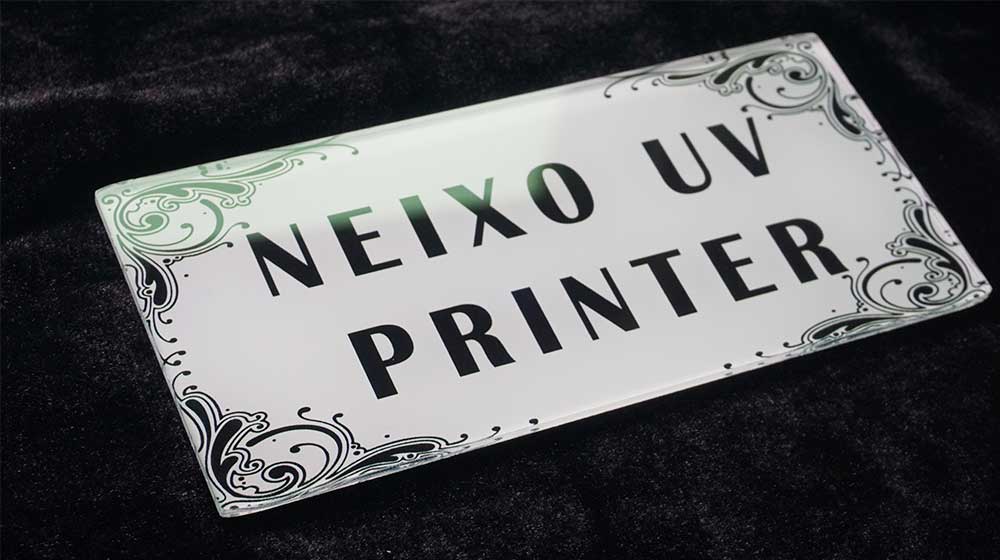
One of the most popular function is Acrylic material, printing, there are too many purposes can be done if you are going to use our A3 UV Printer for it.
See Video: Acrylic Printer
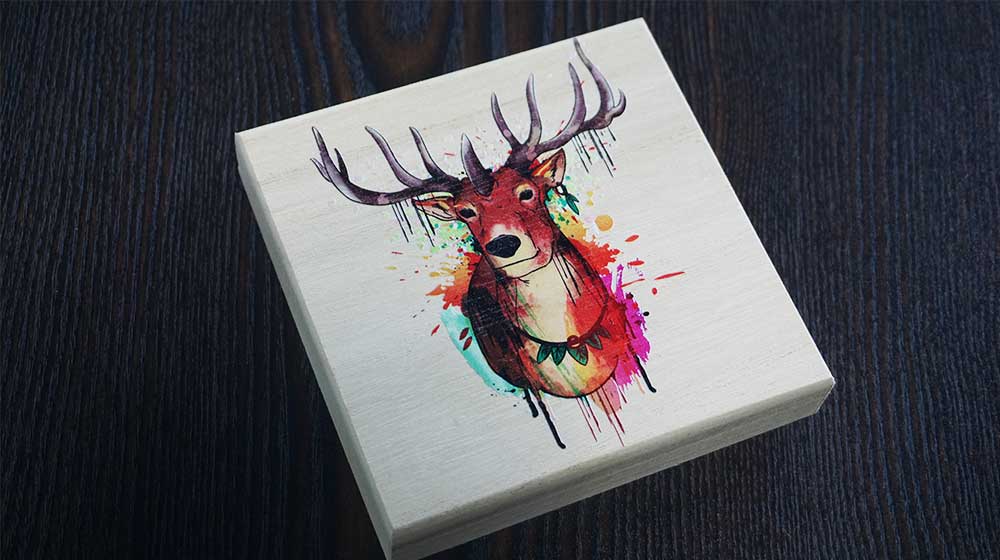
If wood picture or wood sign, promotion item custom printing is your business, our A3 UV Wood Printer will be the best choice for you.
See Video: Wood Printer
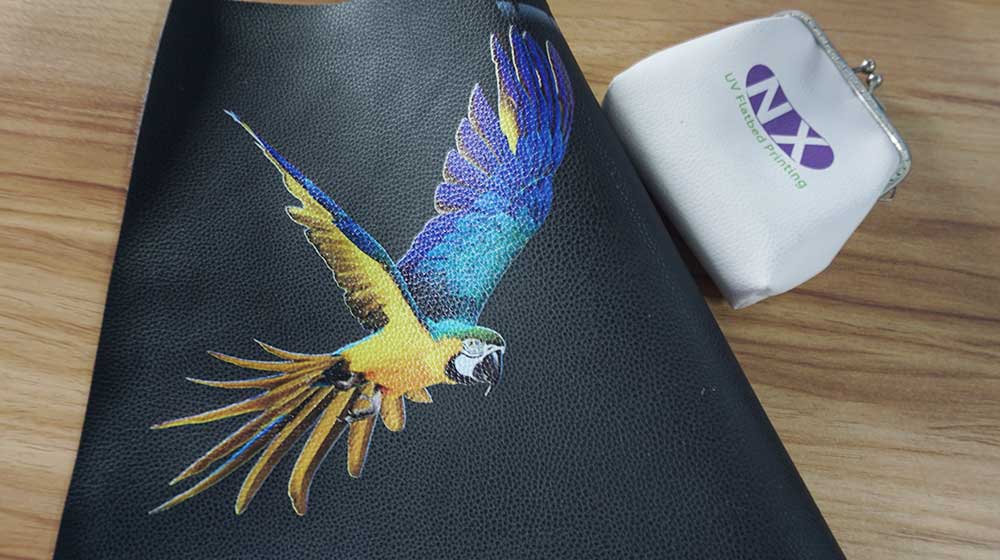
There are a lot of requests of our customer is for the PU leather printing job, by our A3 UV Printer it will be an easy job.
See Video: Leather Printing Machine
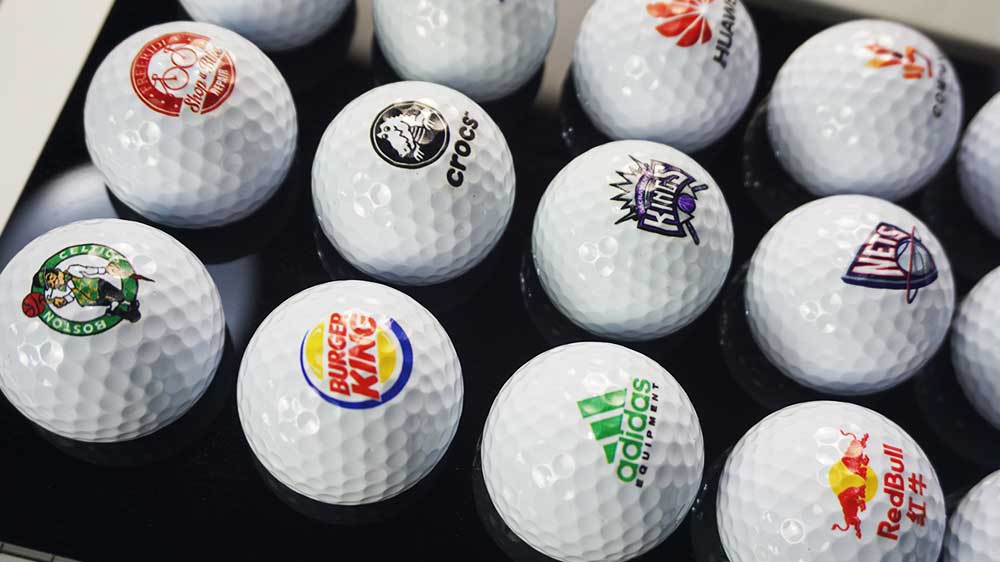
A very well-known usage of our A3 UV Printer is to be the Golf Ball Printer of golf ball printing business. It can be instead of the pad or skill printing.
See Video : Golf Ball Printer
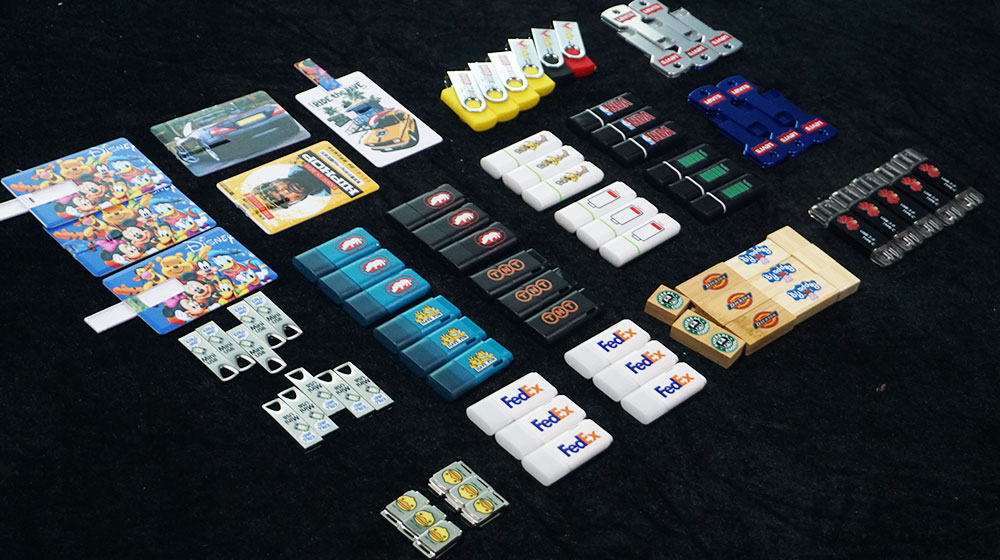
Custom USB flash pen drive in small quantity with different Logos, contents, even company detail by our A3 UV Printer.
See Video: USB Flash Card Printer
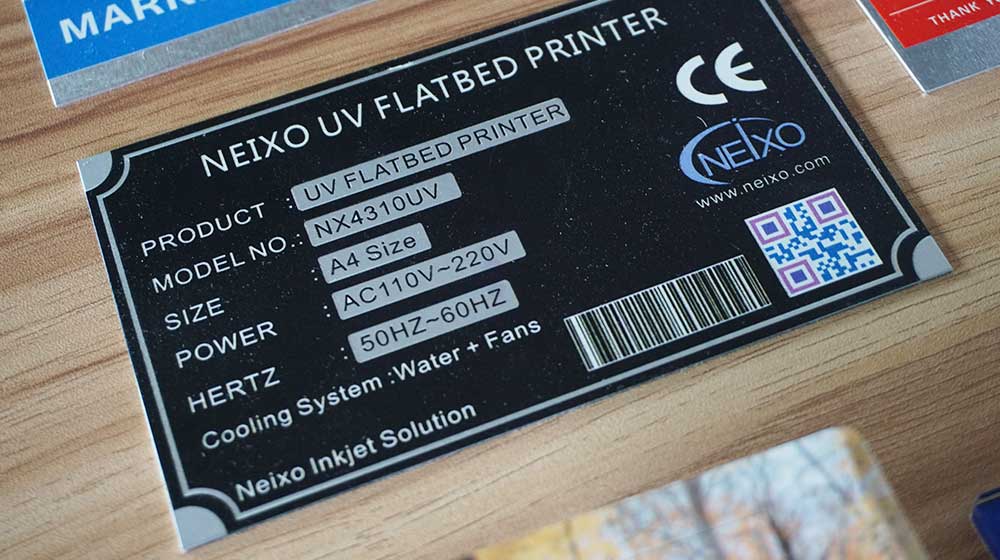
We got a lot of requests about the Aluminum Nameplate Printing and if you want to print on the same you can choose our A3 UV Printer.
See Video: Aluminum Printer
This is a kind of acrylic sheet mobile phone case cover, just the surface is made in crystal effect, our phone case printer can achieve this effect.
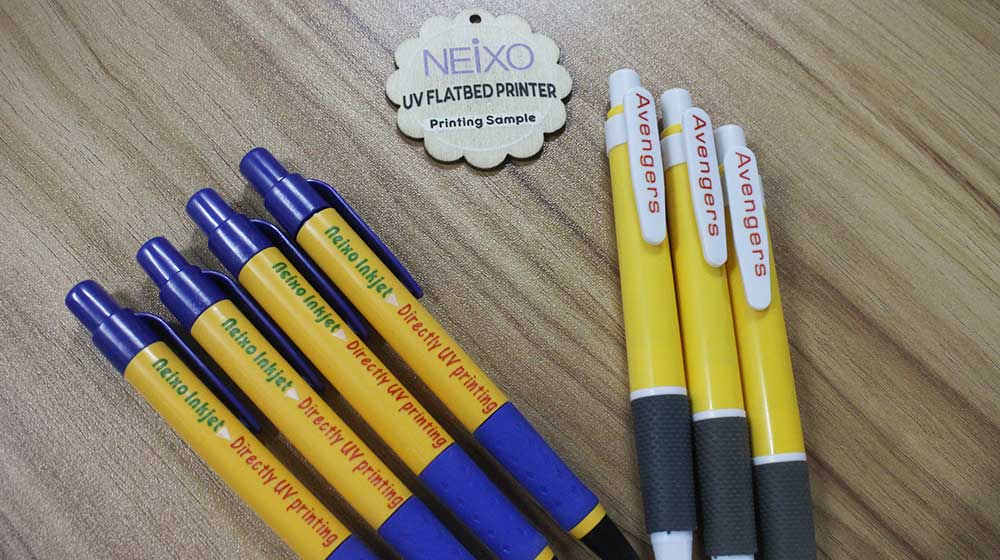
See Video: Ball Pen Printing Machine
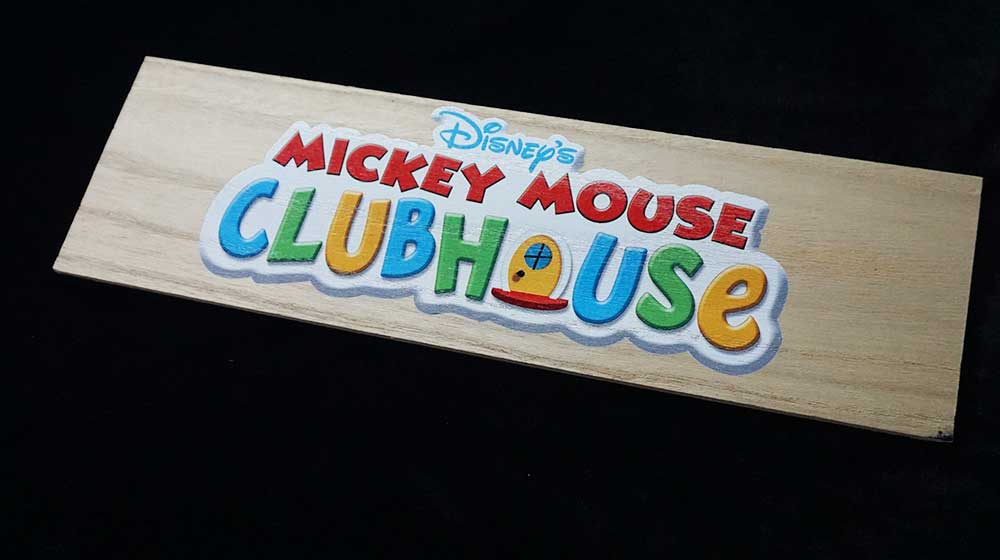
Custom image and photos on the wood phone case mobile cover is easy to be made by our phone case printer machine.
See Video: Digital Wood Board Printer
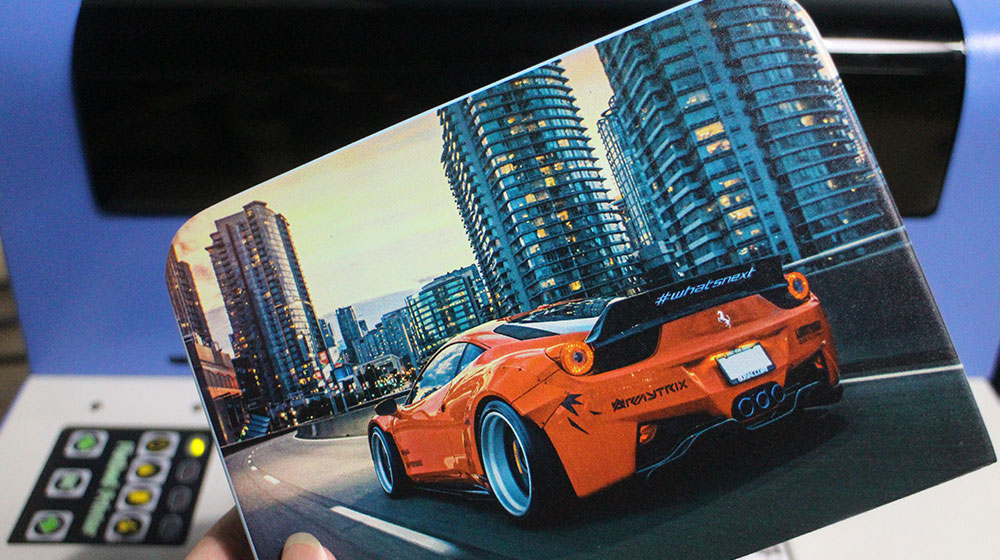
MDF printing business is also popular, we have customer do this business by our UV flatbed printer for long time.
See Video: MDF Printer
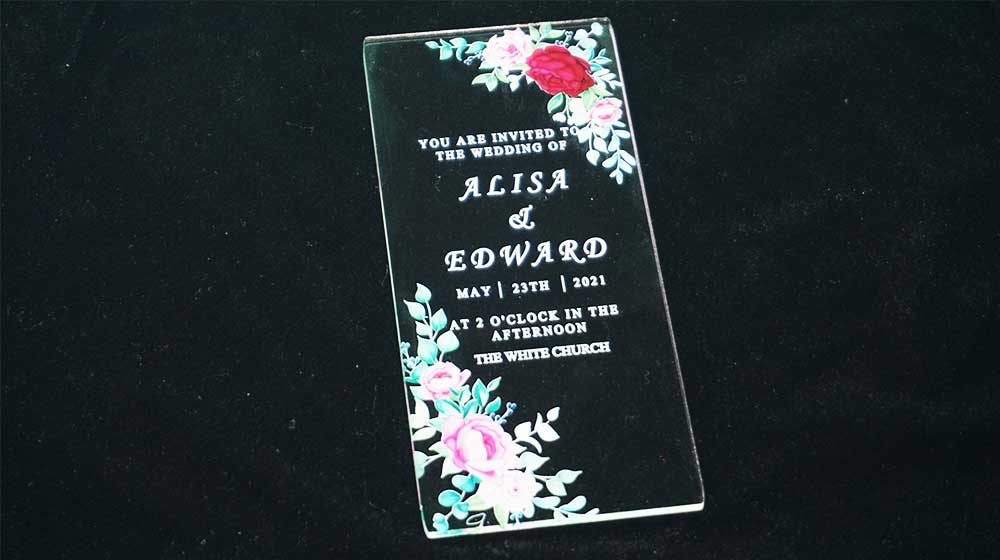
Wedding invitation by acrylic material printing, you can find that our A3 UV flatbed printer is very suitable. To print any image with any quantity.
See Video: Acrylic Invitation Printer
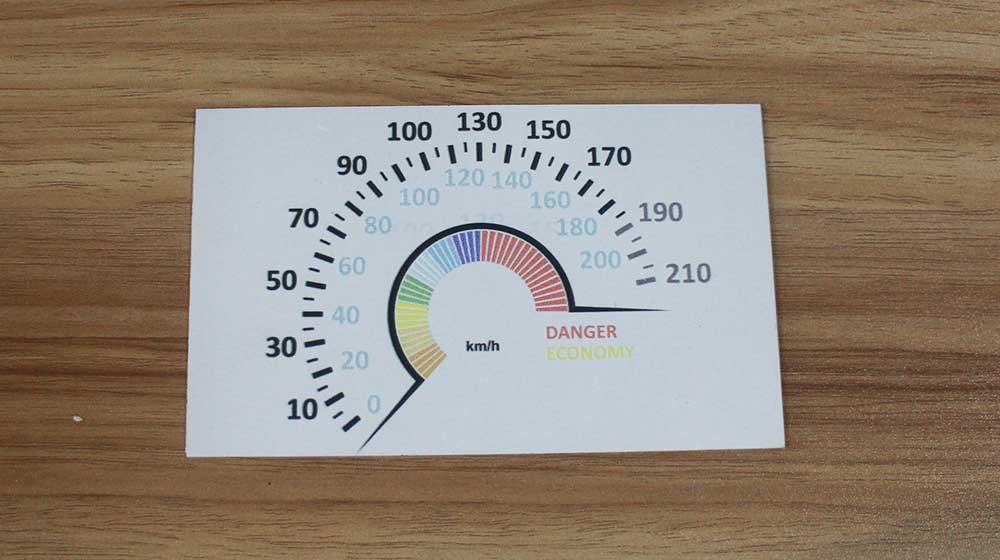
Metal printing businss by A3 UV flatbed printer is easy, aluminum, brass, stainless steel, print white and color directly.
See Video: Metal Printing Machine
NEIXO A3 UV Printer supports a lot of material printing, like plastic surface printing, wood plate printing, aluminum sheet printing, PU leather printing, acrylic printing etc.
For purposes like phone case printing, wood sign, aluminum nameplate, acrylic plate printing.
| Print Head: | Epson Print Head L1800 |
| Print Size: | 280*450mm |
| Print Height: | 0-75mm |
| Ink Supply System: | Damper CISS |
| System Require: | WIN7 / WIN10 |
| Height Adjustment: | Electronic automatically |
| Working Environment: | 25-30C, 50%, Dust free |
| Type: | Desktop A3 UV Printer |
| Color Channel: | CMYK+2W |
| Support Print Process: | White Ink Decrease |
| Support Ink: | UV Led Ink |
| Interface: | USB Cable |
| Print Software: | RIP software |
| Power: | AC 110/220V, 50Hz/60Hz |
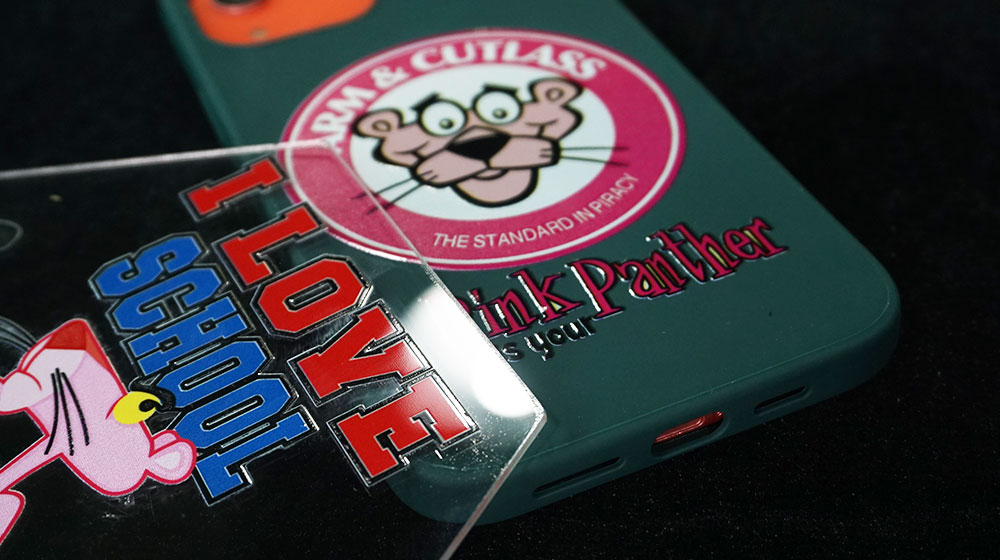
Varnish ink can be printed on a full image or spot varnish printing with a part of the image you want.
And this is by our desktop version A3 UV flatbed printer, with low and cheap price you can get almost all kind of printing effect.
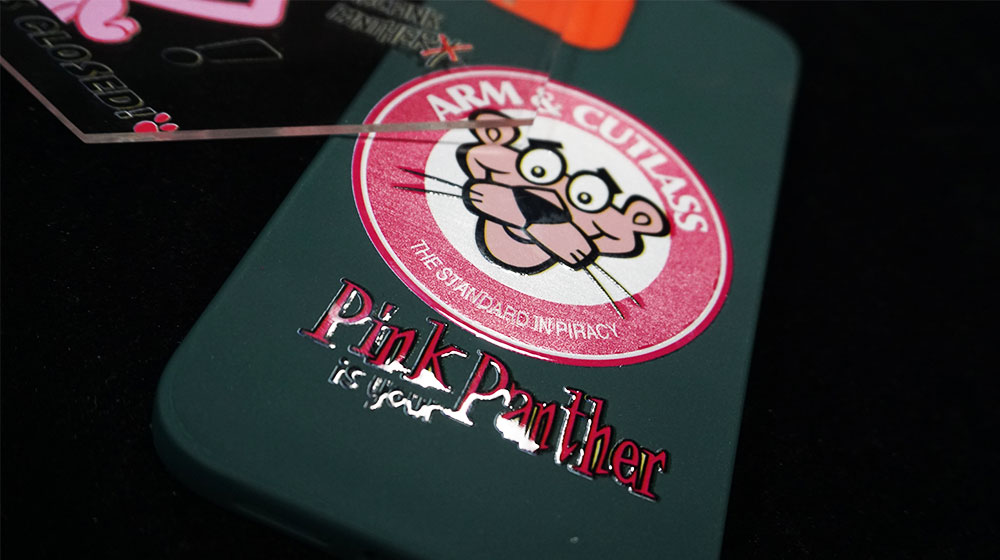
This is the video we make varnish printing as the sample demo printing. Actually, the A3 UV Printer model will do the same exact job.
Follow our step-by-step tutorials it will be easy to make it happened
White ink printing for UV printing technology is the top advantage compared to the old Eco-solvent ink printing, but white ink needs a larger pellet, it will settle down easily in the ink bottle. We have a white ink mixing system to let the ink in the ink bottle stirring.
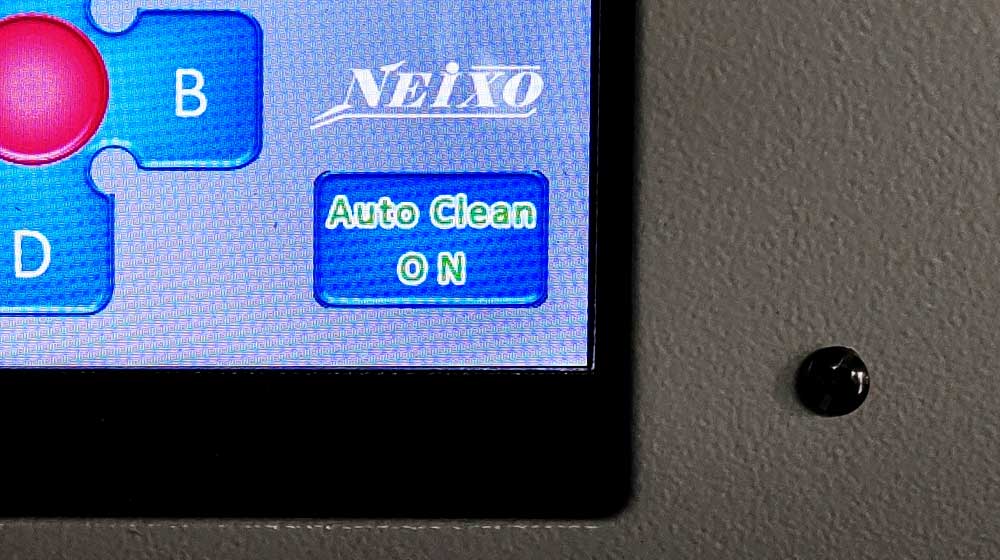
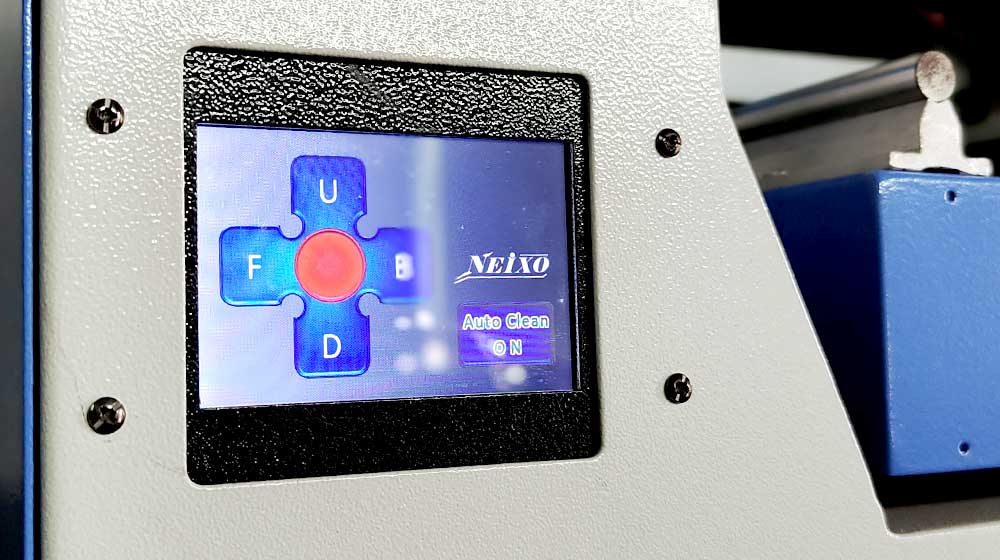
NEIXO A3 UV Printer comes with a wonderful feature for you, we can make the print head works with auto cleaning every 12 hours
To avoid the white ink drying and clogging the UV print head and nozzle, and keep the printer head in good condition, we have a system that can auto process the cleaning process.
You will not need to worry about the head clogging issue with our A3 UV Printer.
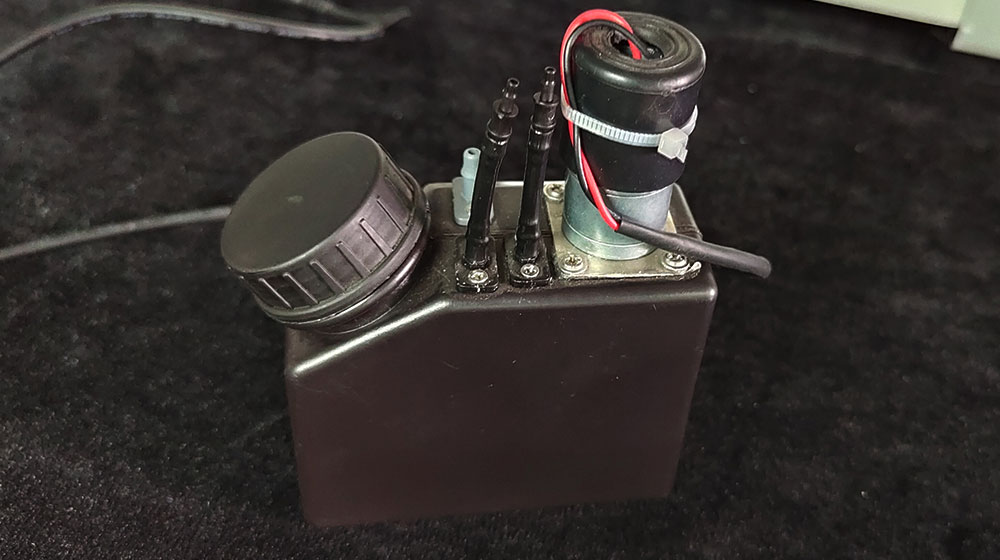
For white ink flow well all the time, we have to let the white ink stir always.
NEIXO A3 UV Printer adds the white ink stirring system which can automatically do the white ink stirring job at the regular time. So any time you use the printer for printing process, our printer will let the white ink ready for you.
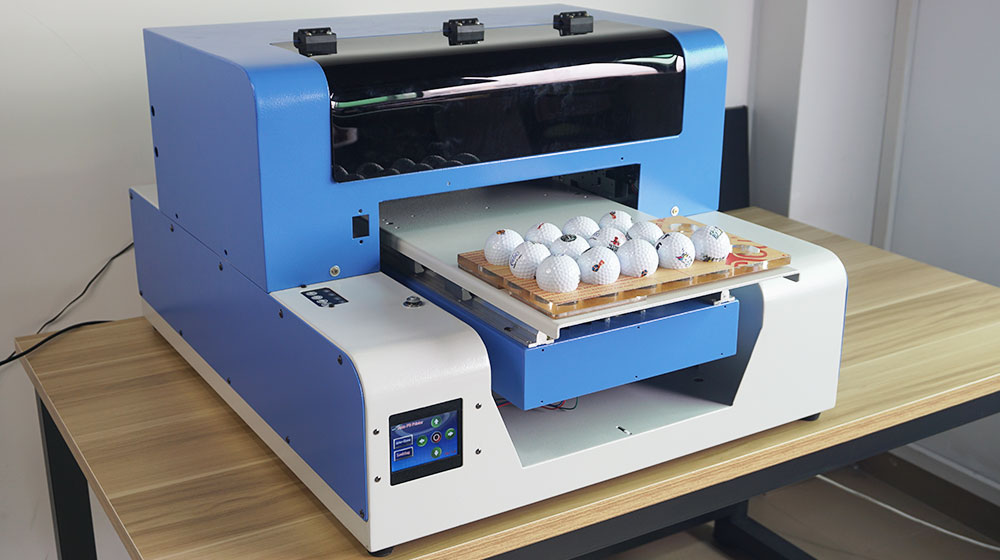
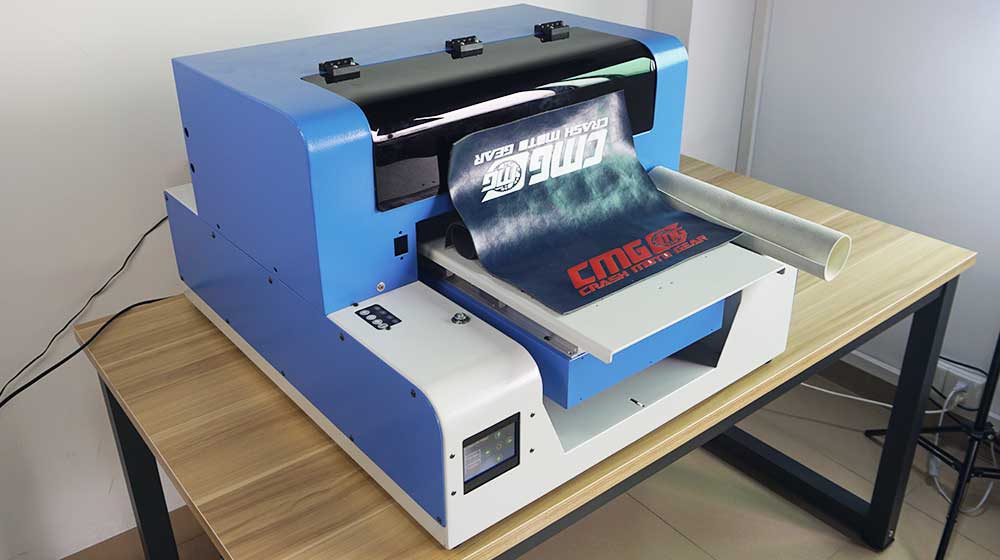
NEIXO has 15 years+ of experience in A3 UV Printer design and production, with our own engineer team, we provide the best quality solution on our UV flatbed printer even ti is the Desktop UV Printer.
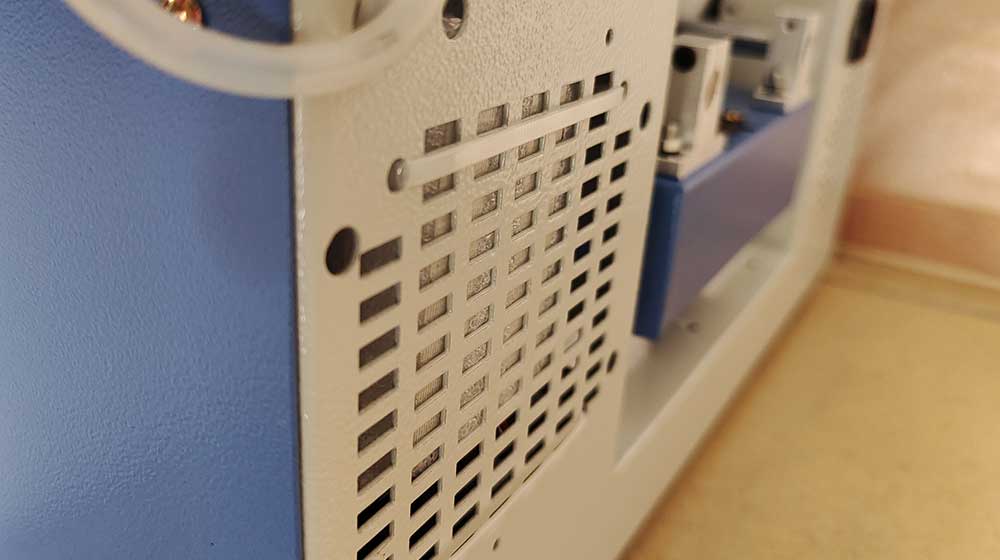
The cooling System is an important part of the A3 UV Printer. It can make sure the UV printer can be in healthy condition during production in the different working environments. NEIXO Printer includes Triple Cooling System.
NEIXO A3 UV Printer has a water circulation cooling system for the UV LED cooling down during the printing process.
UV LED temperature is high when printing, if we do not have a suitable cooling system, the UV LED will be overheat in a few minutes, it will launch the over heat protection system to make the LED light off work.
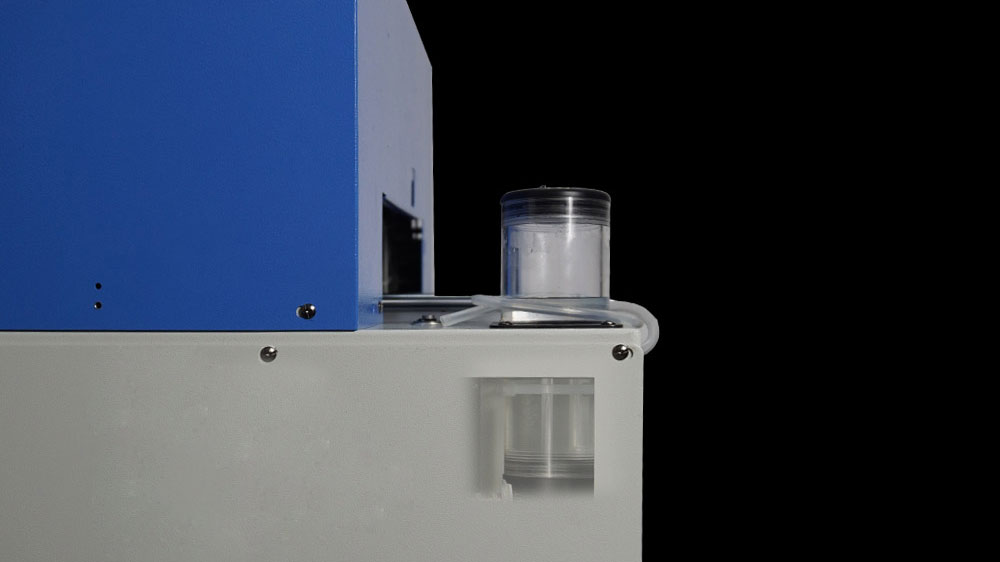
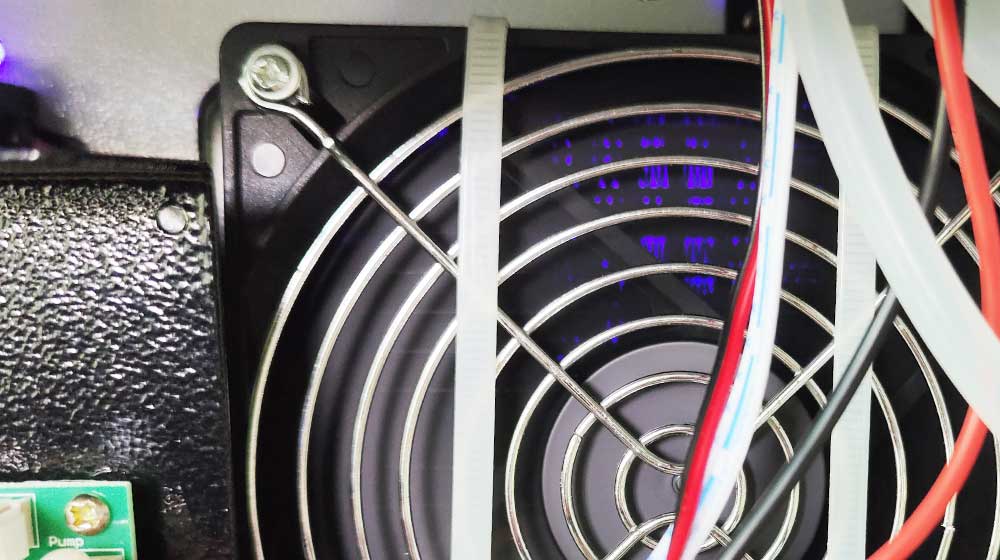
The Radiator Cooling System is the supports the water circulation of our A3 UV Printer.
When the hot water flows through the radiator, the heat sink will cool down the water, by doing this job the water will be cooling much faster during the whole circulation.
Many of other brand do not have this part, but we include for you.
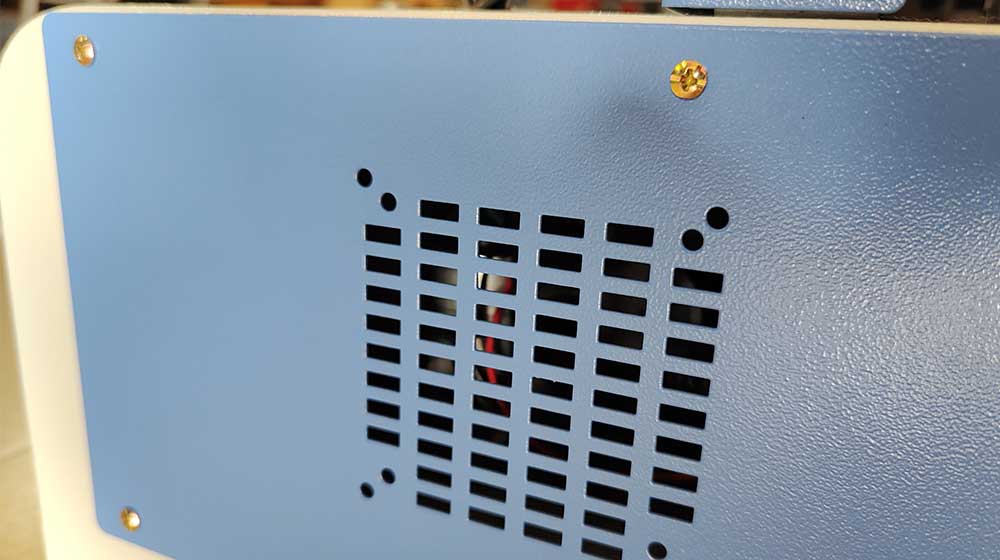
One of the advantages of NEIXO A3 UV Printer cooling system is that we add the air cooling system to the inner printer, for the motherboard, UV power cooling, let the parts keep in a stable working environment.
This is a kind of insurance to make sure the printing machine can be running in the normal situation for a long time.
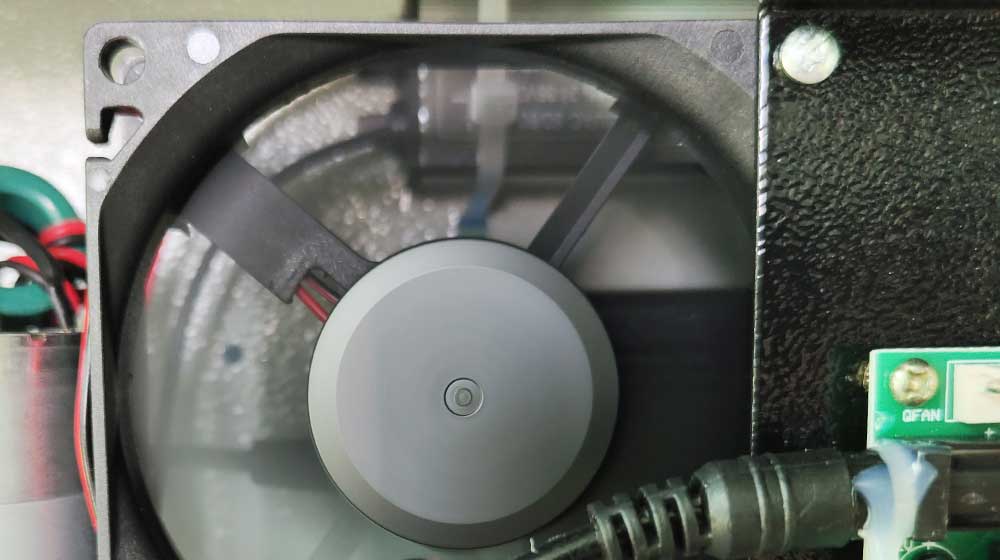
Above 3 kinds of cooling systems are provided to all NEIXO UV flatbed printers, even the small size desktop version UV printer, as we know that stable working is always what you concern about.
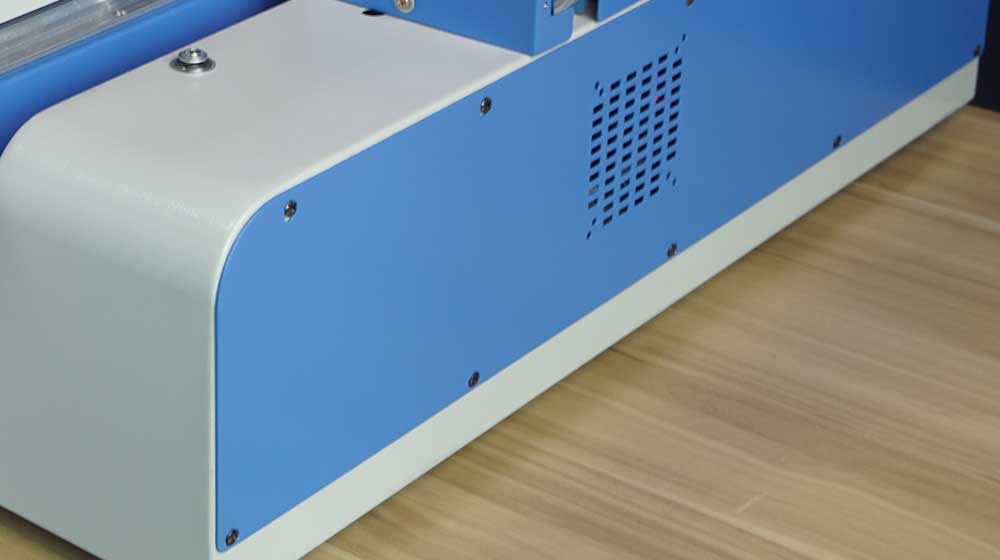
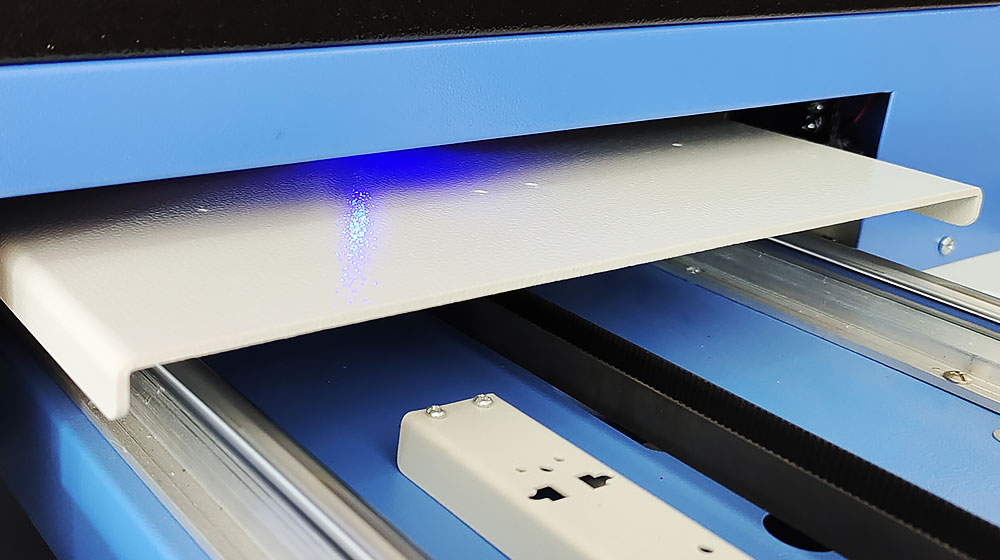
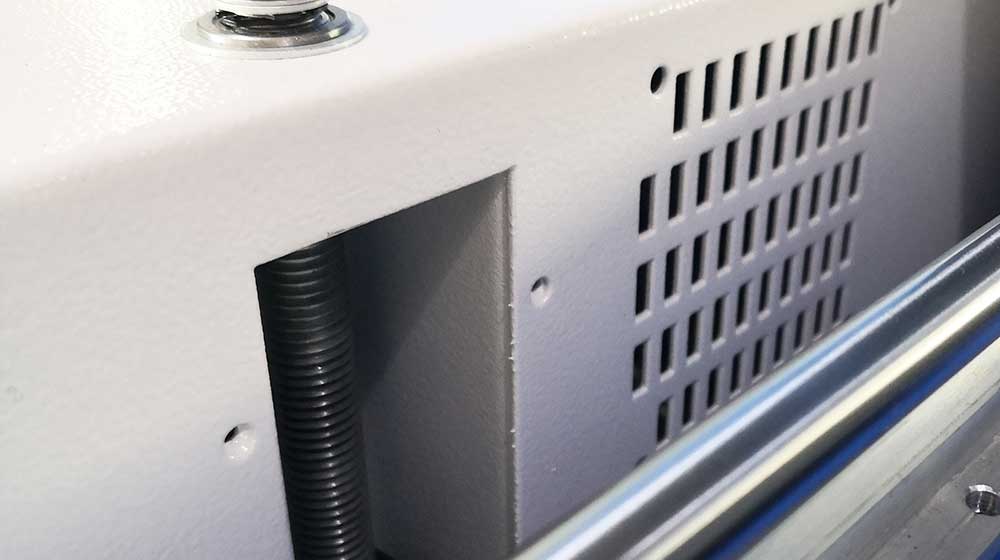
To let the tray height adjust in very stable conditions, we have the 4 axis lifting parts to ensure production is normal.
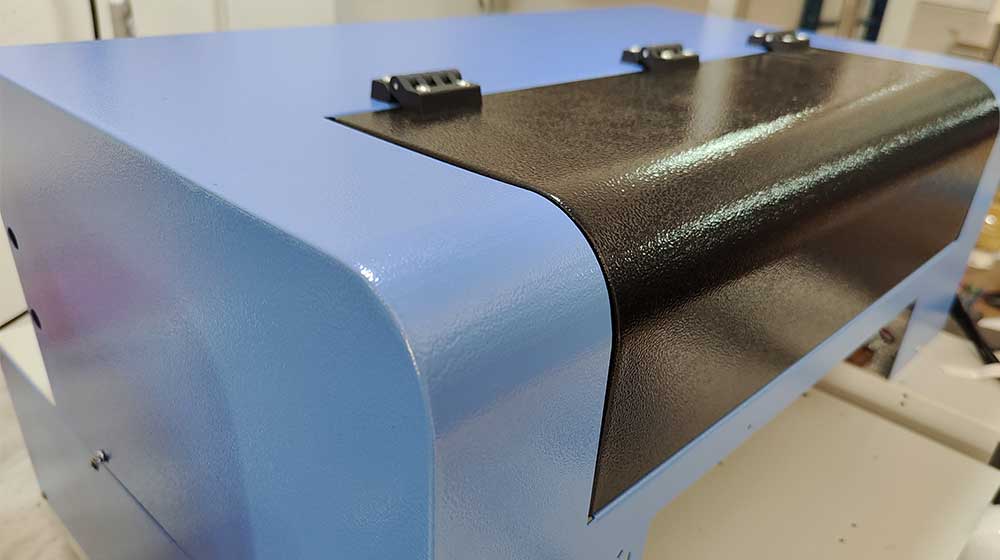
Protect the printer during delivery and during daily use, we use the full metal cover and support to our printer.
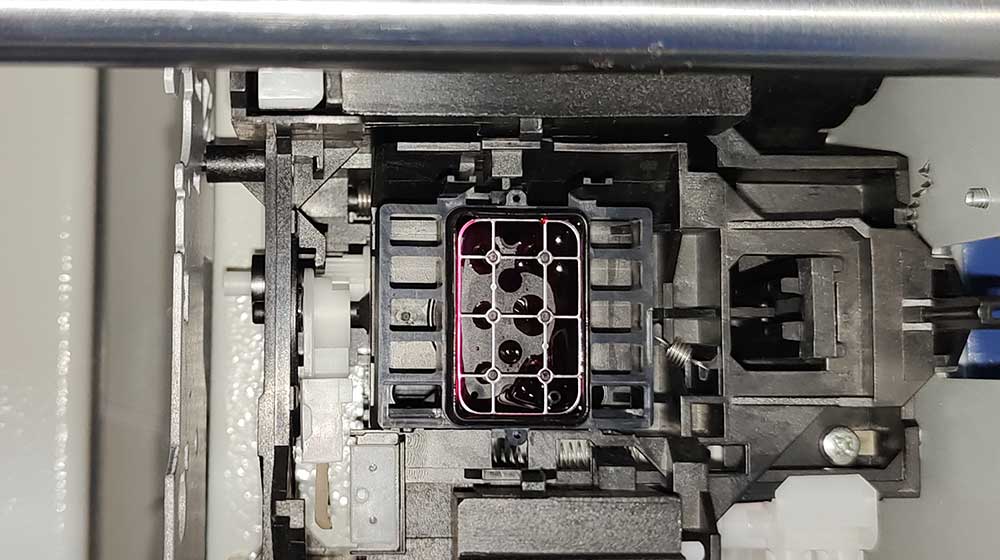
Using Epson capping station, to keep the print head in good condition, and let ink flow smoothly.
We provide a series UV flatbed printer for you, small size A4 and A3 model have very low price for printing business start-up. Industry series flatbed printer can work for fast and high quality printing in mass production.
All the models are for your selection,you may want to know what are the difference amount all our UV printer model, just please tell us what kind of business you are going to print, we will get the suitable one for your request.
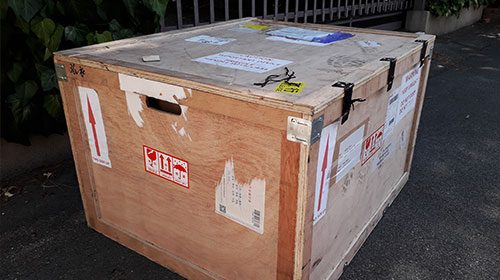
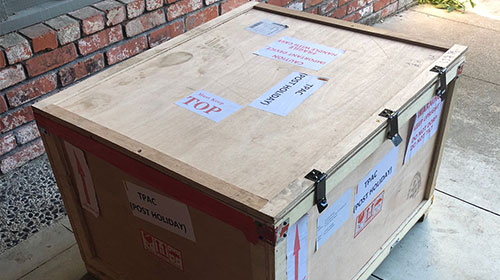
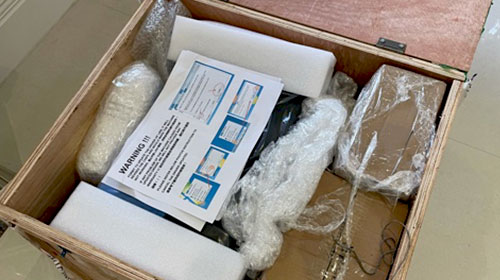
We have a code for each printer we sent out, and we have many flatbed printer testing video which all are made before the printer delivery out from our warehouse.
You may also want to know about our factory workshop, our a3 UV printer packing, delivery, and after sale service, we have them in this link for your reference. Please kindly click here to know more for A3 UV printer.
NEIXO A3 UV Printer is the Flatbed digital printer, and for desktop version A3 VU Printer we make modifications from desktop Epson printer to be flatbed printer. For industry UV Printer we design the products by ourselves.
As a leading manufacturer of UV Printer industry, we have been working for more than 15 years. One of the easiest manufacturers of flatbed printer manufacturing. Start from a small workshop to be a 3000+ square meter factory.
This Guide will let you know what normal question about the A3 UV Printer.
So, before you are going to purchase the Printer, please be sure to read this guide.
Let’s Go.
As the most cost-effective A3 UV Printer, you can use our printer to make printing business like Phone Case Printing, wood printing, Golf Ball printing, acrylic printing, aluminum printing, pen printing, USB flash pen drive printing, almost all kind of alt surface you can use our UV Printer to do the printing.
Like Logo printing, photo printing, promotion items, metal nameplate, even you can print puzzles for the local store. For companies that print QR codes, for different images and small quantity item printing requests, no need for template making you can use our UV Printer to do the printing job even it is only 1 piece.
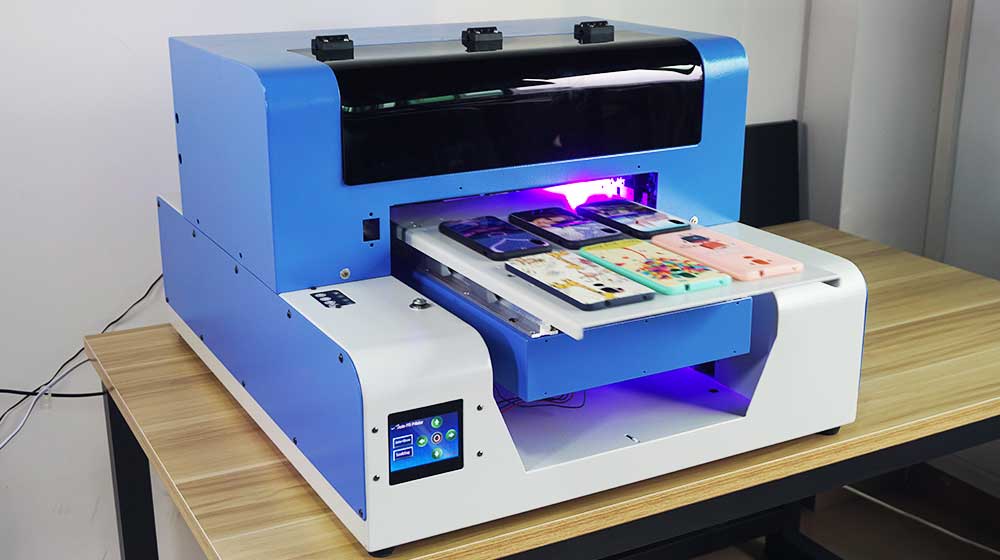
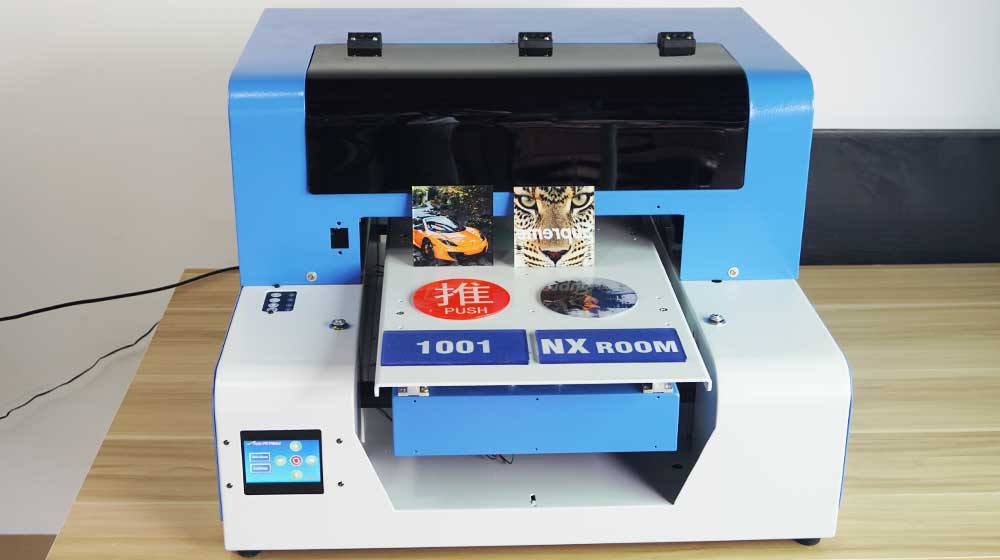
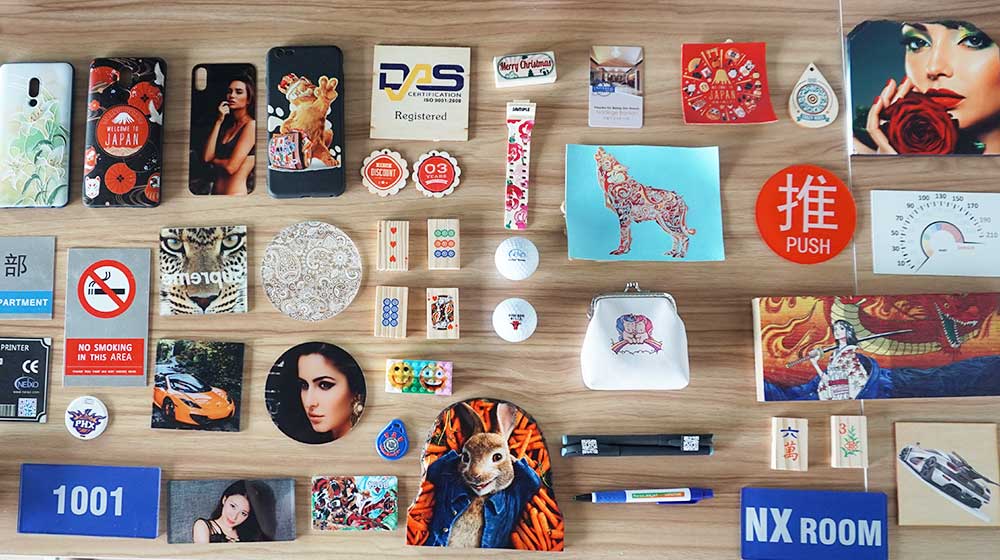
You will definitely find that the A3 UV Printer can do many different purposes, as when at already mentioned above. But there is only a small part we showed, actually, you will do more than what we mentioned, even more than what you can imagine.
Like phone case, wood sign, aluminum sheet and nameplate, disc, poker chips, plastic card, USB flash sticks.
It is an ideal Printer for small businesses and startup businesses with a low and cheap prices you can not imagine but also a good feature you can not imagine too. Can print the images and photos, Logos, text on every thing you would like to print on.
It is a good question as it is almost all kinds of material NEIXO UV Printer can do the print on like
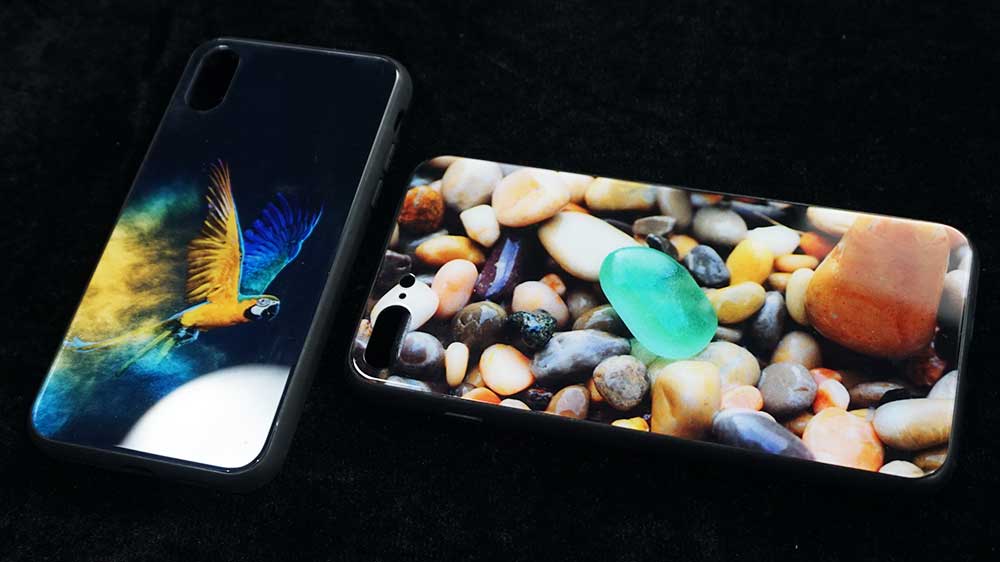
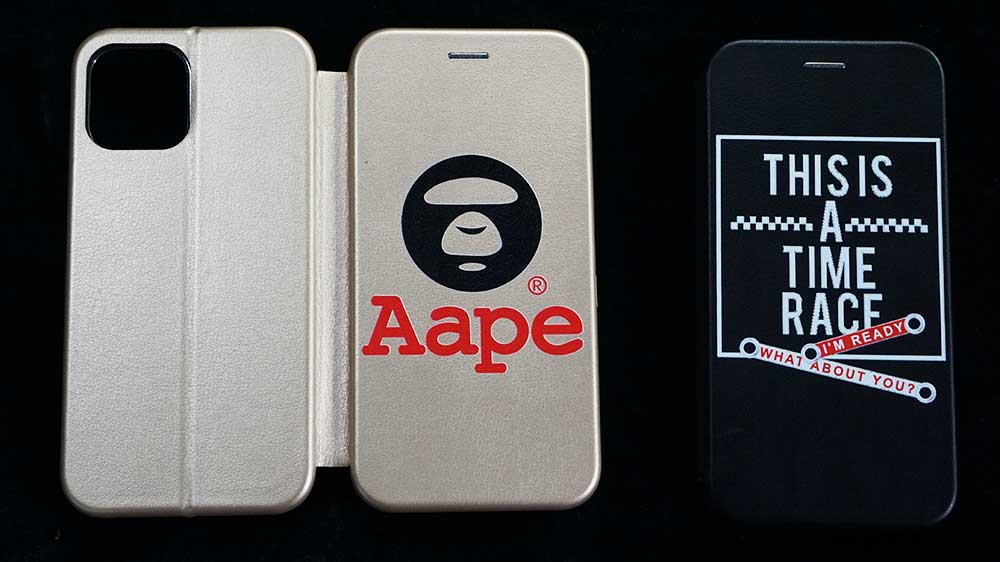
You can easily print anything like photos, Logos, artworks, pictures, images, designs, it can print white ink only, full color, or even the Embossed 3D effect on the surface. Our A3 UV Printer can get you the effect you would like to have, do not need any special setting, we will have tutorials about 3D embossed effect printing.
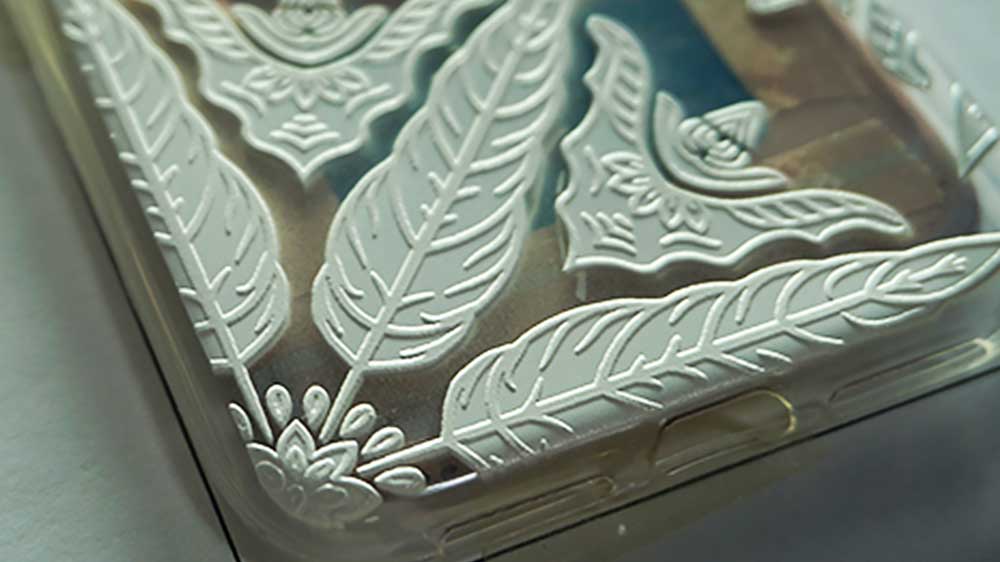
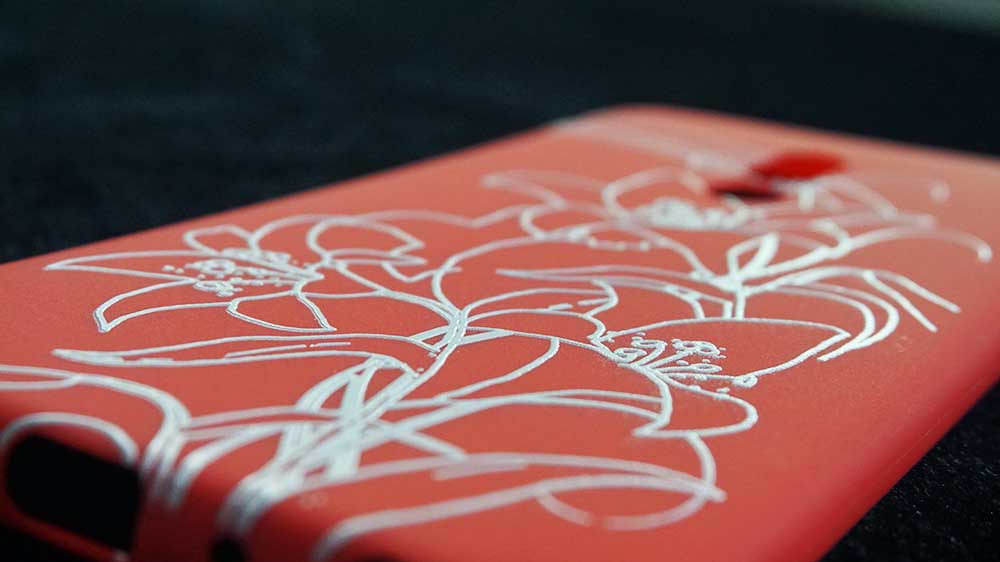
The normal 6 channel UV printer can support CMYKWW channel, and our A3 UV printer can use the software setting to let the channel change to be CMYK W V, so we can use one channel V for varnish color printing the varnish, just the W ink channel will not strong like 2 white ink channel.
Yes of course as our printer now support the clear varnish printing, the varnish is possible to do the AB film printing process
I think the A3 size UV printer is for the start up or home business. Because the printer price is not high, and print quality is acceptable, compare to A4 size, it is larger so can print more or large items.
Click Button to ask all the question of the printer you would like to know about, even any UV printer technology.
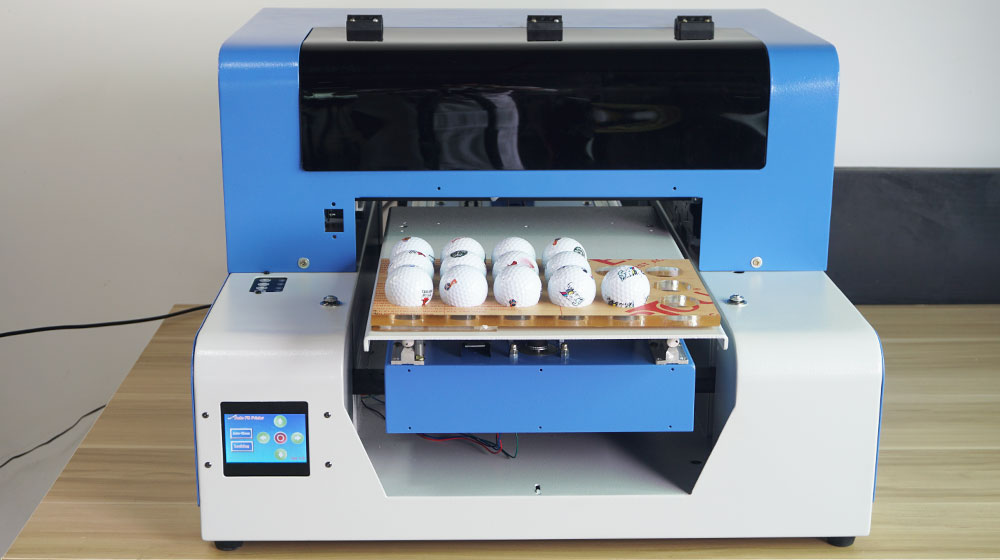
Neixo is the prime manufacturer of the small-size desktop and industry UV DTG flatbed printer. We have been working in this field for about 17 years, with experience that can support our customers directly and fast.
Please feel free to contact us, we normally will reply to you within 12 working hours.
You can get a price of this model or send us any question to get any information you would like to know, we will reply to you soonest.